Premium apparel brands
Delivering Nordstrom-quality editorial and PDP imagery from a single garment upload.
Nordstrom Fashion Photography

Detailed product imagery, editorial lifestyle shots, and luxury presentation at the quality Nordstrom's discerning shoppers expect from every listing.
Answer first
AI fashion photography for Nordstrom uses generative AI to produce listing images that match Nordstrom's visual standards and listing best practices. It produces compliant main images, lifestyle alternates, and catalog-ready crops — so your Nordstrom listings go live faster without studio bottlenecks.
Built for
Delivering Nordstrom-quality editorial and PDP imagery from a single garment upload.
Matching Nordstrom's elevated presentation without luxury production overhead.
Shipping seasonal collections with consistent lighting, posing, and detail coverage.
Scaling Nordstrom-ready outputs for multiple brand clients.
Why OLLI
Runway-influenced lighting and posing for premium fashion listings.
Fabric, construction, and fit details for Nordstrom's high-trust shoppers.
Cohesive visual language across seasonal drops and capsules.
New products go from sample to live Nordstrom listing in hours instead of weeks. Every day without images is lost discovery — OLLI closes that gap.
Side by side
What nordstrom brand partners actually spend on fashion photography — and how OLLI compares.
Traditional
2–4 weeks studio scheduling
OLLI AI
Minutes to hours
Traditional
$5,000–$20,000+ in studio fees
OLLI AI
A fraction of studio spend
Traditional
Manual retouching per image
OLLI AI
Built into the workflow
Traditional
Separate shoot days & talent booking
OLLI AI
From the same garment upload
Traditional
Reshoot or re-style each SKU
OLLI AI
Consistent across variants
Traditional
Bottlenecked by studio calendar
OLLI AI
Ship on your launch date
Traditional
Studio shoot
OLLI AI
One workflow
Turnaround per collection
2–4 weeks studio scheduling
Minutes to hours
Cost at 100 SKUs / month
$5,000–$20,000+ in studio fees
A fraction of studio spend
Nordstrom listing compliance
Manual retouching per image
Built into the workflow
On-model & lifestyle shots
Separate shoot days & talent booking
From the same garment upload
Color & variant consistency
Reshoot or re-style each SKU
Consistent across variants
Seasonal drop readiness
Bottlenecked by studio calendar
Ship on your launch date
How it works
See how it works — real product photos, real listing outputs. Scroll through each step.
01
Upload a flat lay, ghost mannequin, or hanger shot. OLLI reads silhouette, fabric, and construction before generating listing outputs.
02
Choose pure-white catalog plates, on-model shots, or lifestyle scenes tuned to your marketplace — without rebuilding each asset by hand.
03
Check outputs once per SKU. Regenerate specific tasks or crops without restarting the full production flow.
04
Download channel-ready dimensions and upload directly to your seller portal — main images, alternates, and detail shots in one package.
01
You're almost there.
02
You're almost there.
03
You're almost there.
04
You're almost there.
05
You're almost there.
Getting started
Here's how to generate compliant listing images for Nordstrom with OLLI.
Start Your Free TrialHow it works · Step 01
Upload a flat lay, ghost mannequin, or hanger shot. OLLI reads silhouette, fabric, and construction before generating listing outputs.
How it works · Step 02
Choose pure-white catalog plates, on-model shots, or lifestyle scenes tuned to your marketplace — without rebuilding each asset by hand.
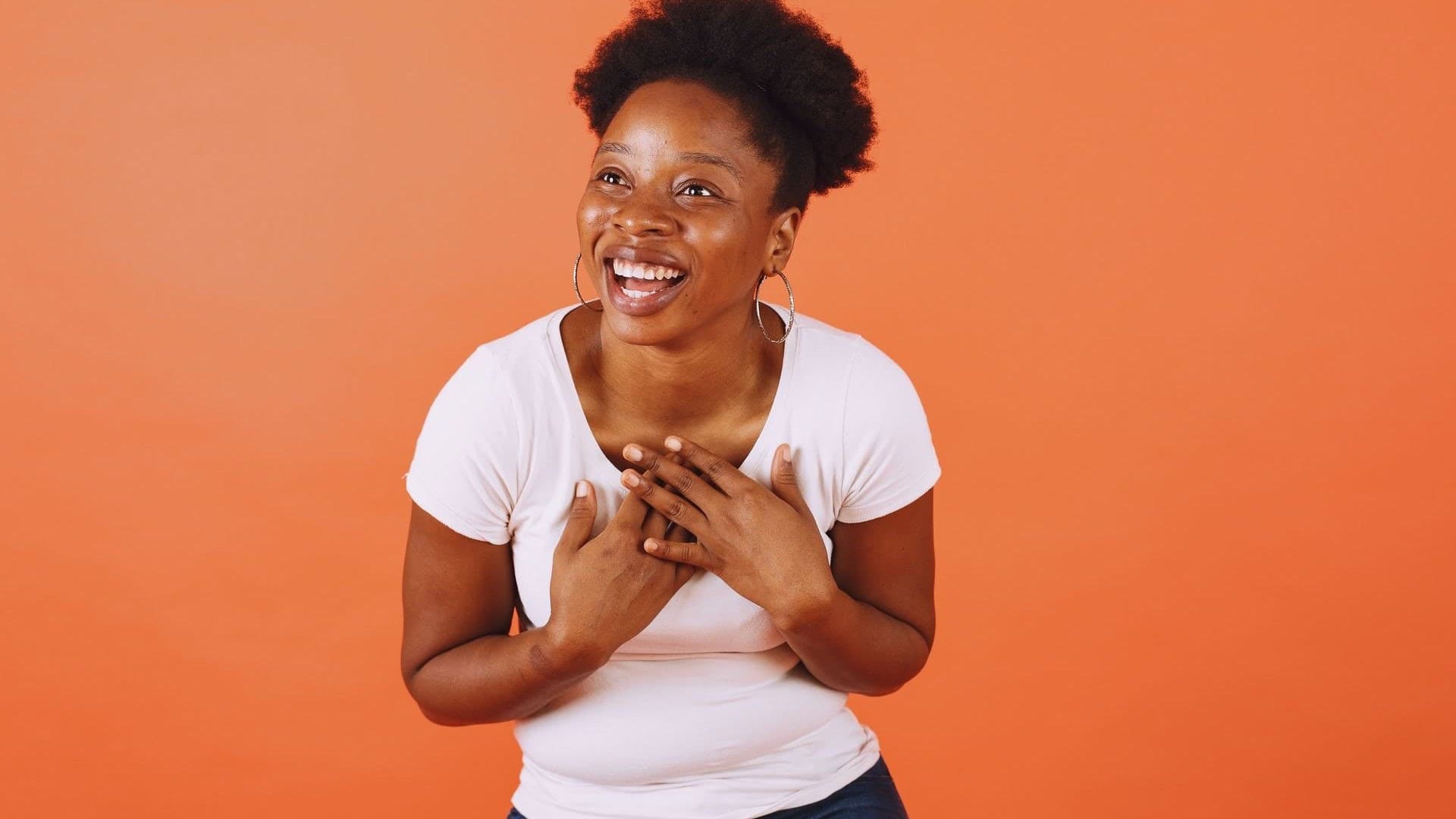
How it works · Step 03
Check outputs once per SKU. Regenerate specific tasks or crops without restarting the full production flow.
How it works · Step 04
Download channel-ready dimensions and upload directly to your seller portal — main images, alternates, and detail shots in one package.
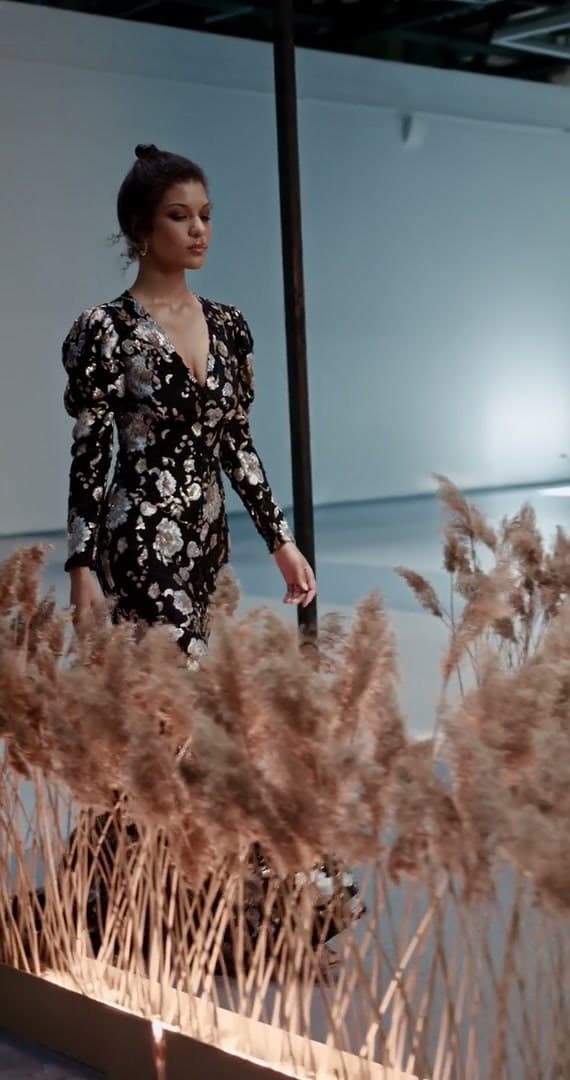
Getting started · Step 01
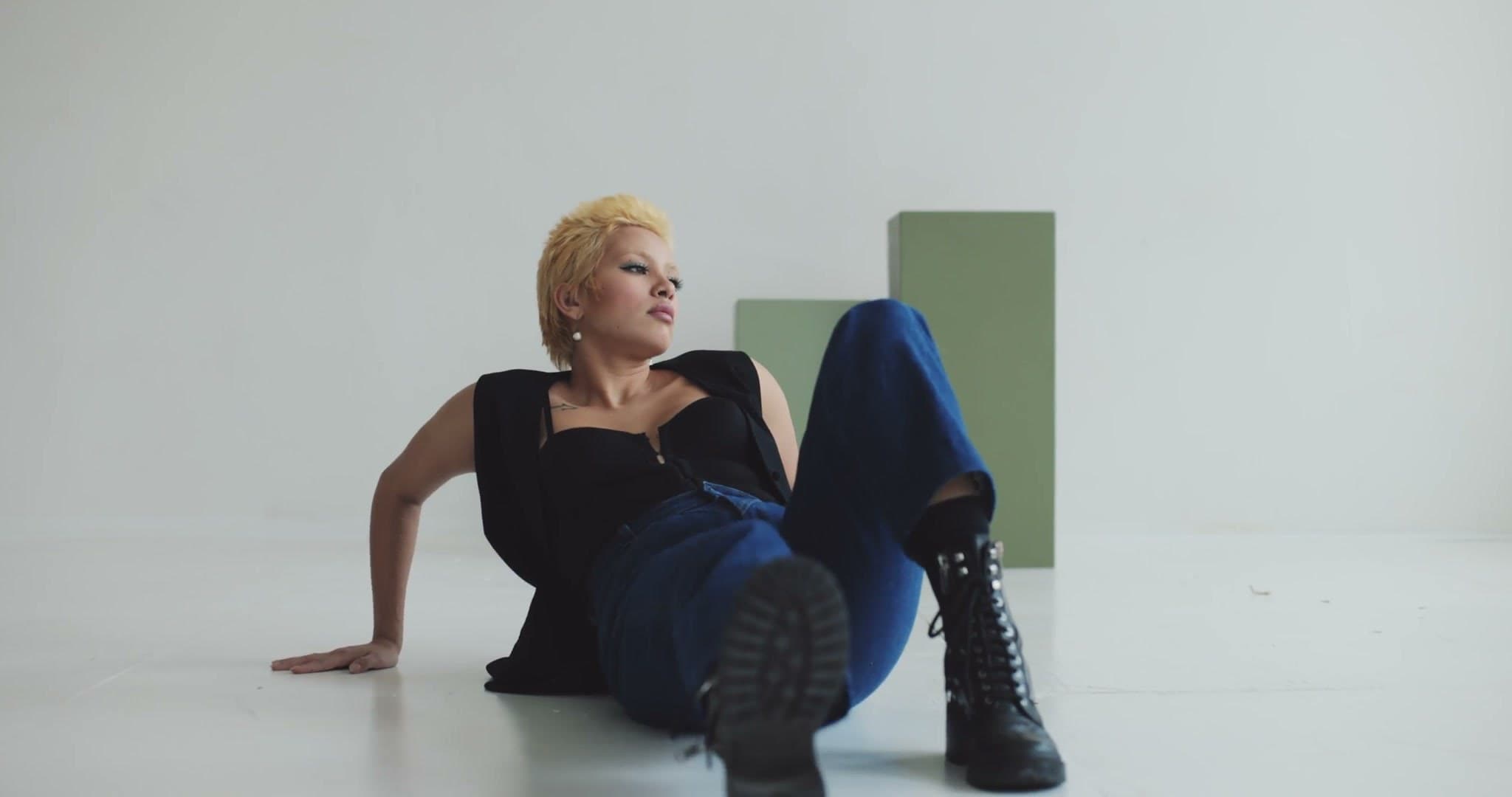
Getting started · Step 02
Getting started · Step 03
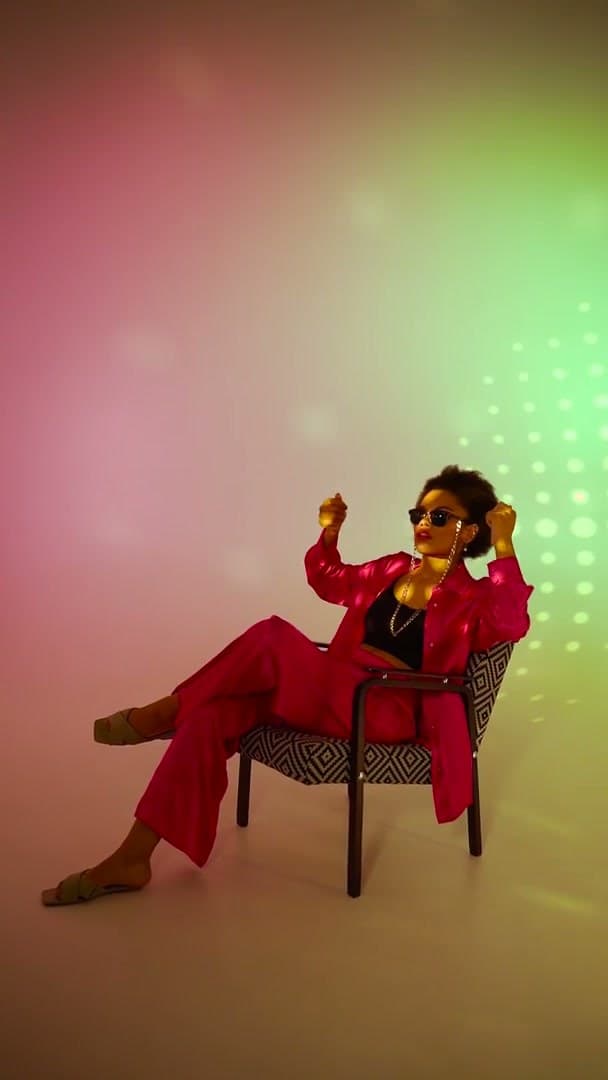
Getting started · Step 04
Getting started · Step 05
Getting started
Here's how to generate compliant listing images for Nordstrom with OLLI.
Start Your Free TrialFAQs
Everything you need to know about shipping Nordstrom listings with OLLI.
OLLI generates channel-ready fashion imagery with the backgrounds, crops, and resolution your Nordstrom listings need. Review once, then export the full set.
Explore more
ASOS Fashion Photography
Catwalk shots, diverse model representation, and energetic styling that ASOS shoppers scroll for — generated in minutes for every SKU you sell.
ExploreZalando Fashion Photography
On-model imagery, sustainability-aligned presentation, and the clean European aesthetic Zalando's customers expect — generated in minutes per SKU.
ExploreBloomingdale's Fashion Photography
High-resolution editorial imagery, multi-angle product views, and lifestyle shots generated in minutes from a single garment photo.
ExploreAmazon Fashion Photography
Generate compliant main images, lifestyle alternates, and A+ content from a single garment photo — white backgrounds, true color, and listing clarity at scale.
ExploreOne garment photo in. Compliant marketplace assets out. No studio calendar required.
Get Started