Flipkart Fashion sellers
Listing apparel and ethnic wear with white-background mains and multi-angle catalog shots.
Flipkart Fashion Photography
Part of Olli Studio
White-background main shots, multi-angle views, and Flipkart Fashion imagery — produced from a single upload for every SKU in your catalog.
Answer first
AI fashion photography for Flipkart is a done-for-you service: you send product images and Olli Studio's team produces listing images with AI that match Flipkart's visual standards and listing best practices, checks each one and delivers within 48 hours. Our team produces compliant main images, lifestyle alternates, and catalog-ready crops — so your Flipkart listings go live faster without studio bottlenecks.
Built for
Listing apparel and ethnic wear with white-background mains and multi-angle catalog shots.
Refreshing large Flipkart catalogs every season without reshooting every SKU.
Need Flipkart-compliant crops alongside other channel exports from one master asset.
Scaling from dozens to hundreds of SKUs on Flipkart Fashion without adding studio headcount.
Why Olli
Listing-ready primary images with neutral backgrounds and clear product focus.
Front, back, and detail views from one garment source without reshooting.
Uniform styling across apparel, ethnic wear, and accessories in the same drop.
New products go from sample to live Flipkart listing within 48 hours instead of weeks. Every day without images is lost discovery — Olli closes that gap.
Side by side
What Flipkart sellers actually spend on fashion photography — and how Olli compares.
Traditional
2–4 weeks studio scheduling
Olli AI
Within 48 hours
Traditional
$5,000–$20,000+ in studio fees
Olli AI
A fraction of studio spend
Traditional
Manual retouching per image
Olli AI
Checked by our team before delivery
Traditional
Separate shoot days & talent booking
Olli AI
From the same product images
Traditional
Reshoot or re-style each SKU
Olli AI
Consistent across variants
Traditional
Bottlenecked by studio calendar
Olli AI
Ship on your launch date
Traditional
Studio shoot
Olli AI
One workflow
Turnaround per collection
2–4 weeks studio scheduling
Within 48 hours
Cost at 100 SKUs / month
$5,000–$20,000+ in studio fees
A fraction of studio spend
Flipkart listing compliance
Manual retouching per image
Checked by our team before delivery
On-model & lifestyle shots
Separate shoot days & talent booking
From the same product images
Color & variant consistency
Reshoot or re-style each SKU
Consistent across variants
Seasonal drop readiness
Bottlenecked by studio calendar
Ship on your launch date
How it works
See how it works — real product photos, real listing outputs. Scroll through each step.
01
Send a flat lay, ghost mannequin, or hanger shot. Our team reads silhouette, fabric, and construction before the shoot.
02
Tell us what you need — pure-white catalog plates, on-model shots, or lifestyle scenes — and our team directs the shoot to Flipkart's rules.
03
Our team checks every image against your product before you see it. One revision round is included, so changes don't restart the shoot.
04
You receive channel-ready dimensions — main images, alternates, and detail shots in one package — ready for your seller portal.
01
You're almost there.
02
You're almost there.
03
You're almost there.
04
You're almost there.
05
You're almost there.
Getting started
You send your product photos and a brief, and Olli Studio delivers Flipkart-ready images.
Get your free shootHow it works · Step 01
Send a flat lay, ghost mannequin, or hanger shot. Our team reads silhouette, fabric, and construction before the shoot.
How it works · Step 02
Tell us what you need — pure-white catalog plates, on-model shots, or lifestyle scenes — and our team directs the shoot to Flipkart's rules.
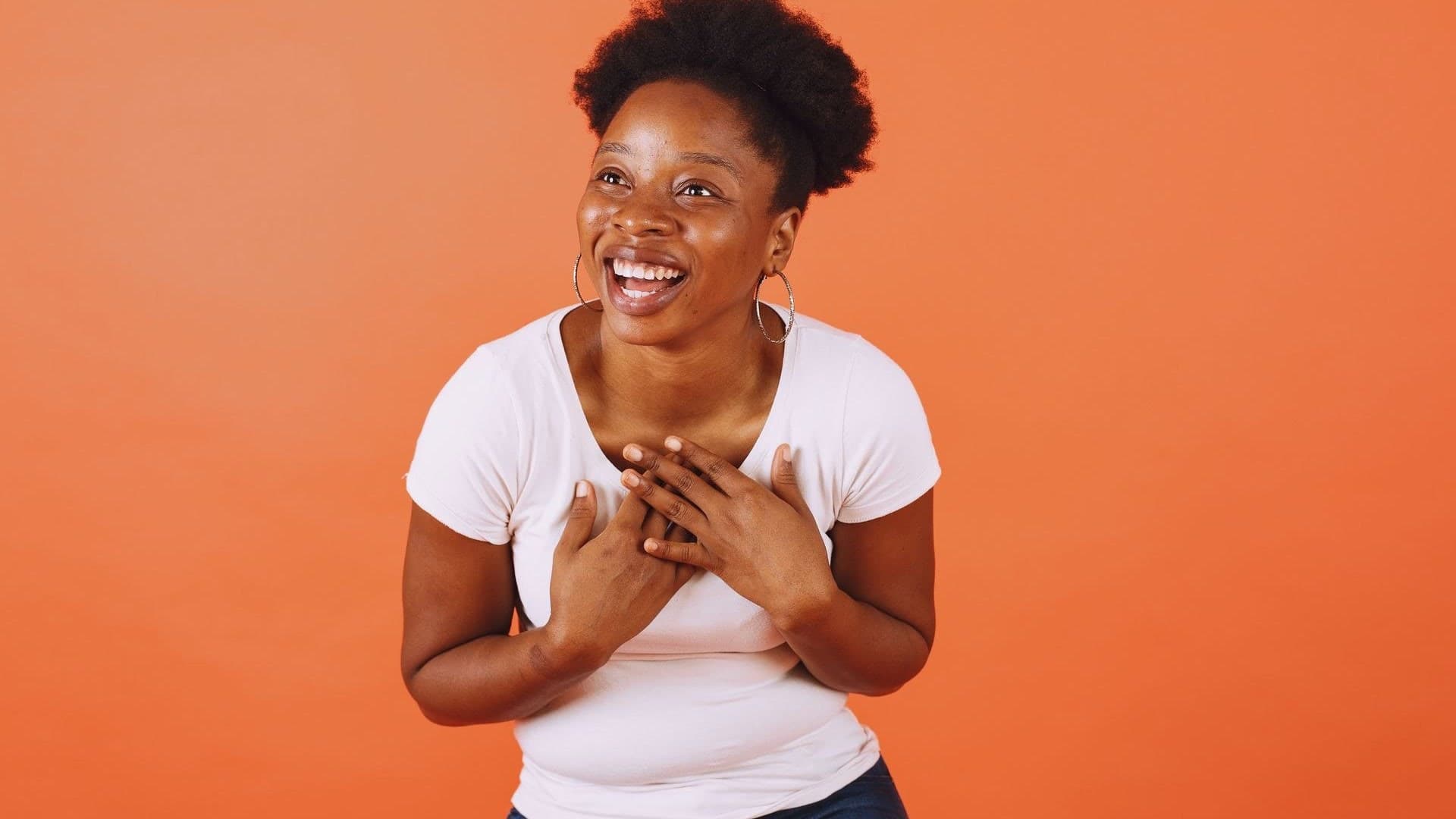
How it works · Step 03
Our team checks every image against your product before you see it. One revision round is included, so changes don't restart the shoot.
How it works · Step 04
You receive channel-ready dimensions — main images, alternates, and detail shots in one package — ready for your seller portal.
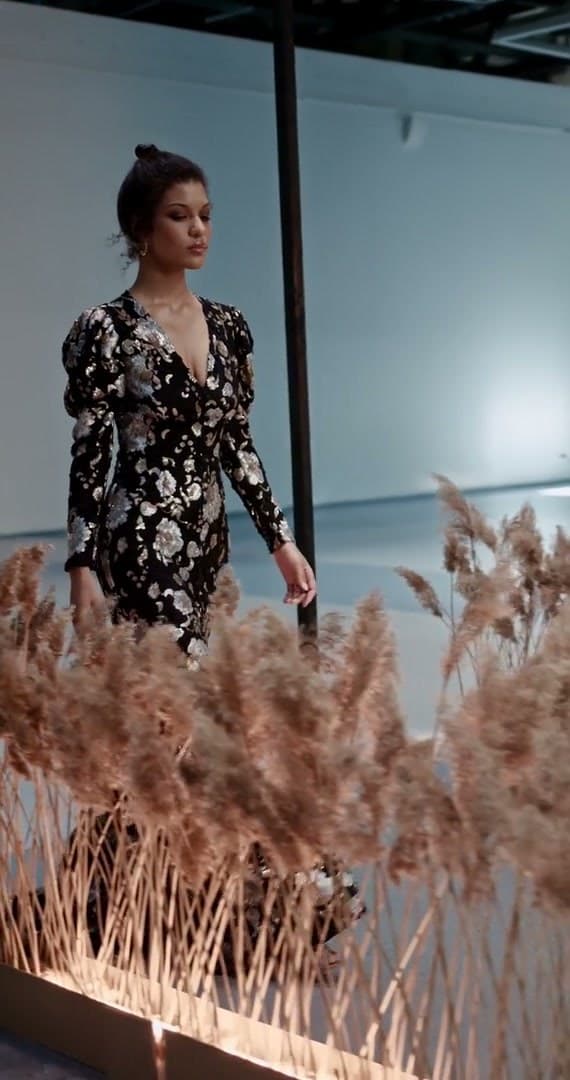
Getting started · Step 01
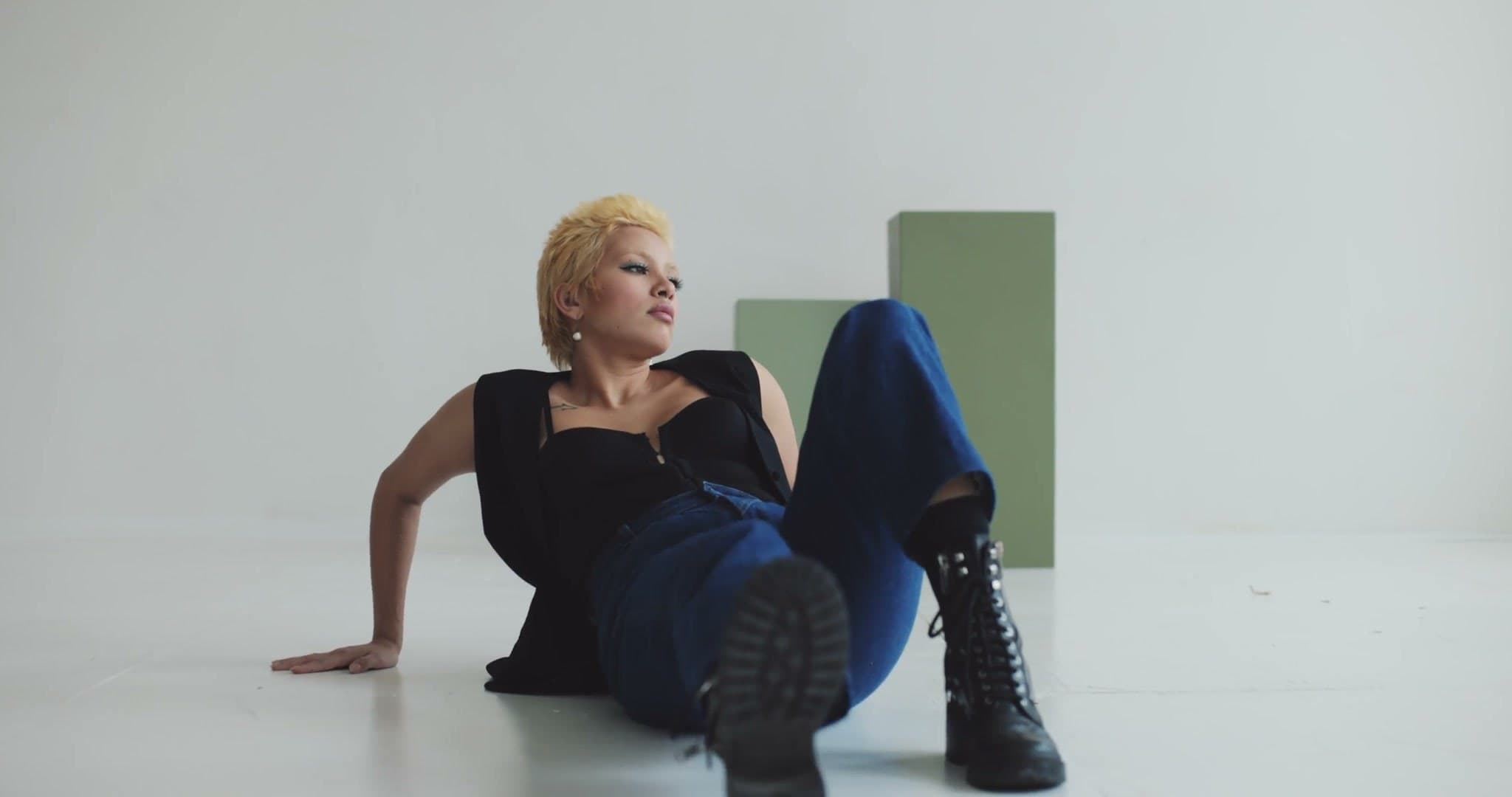
Getting started · Step 02
Getting started · Step 03
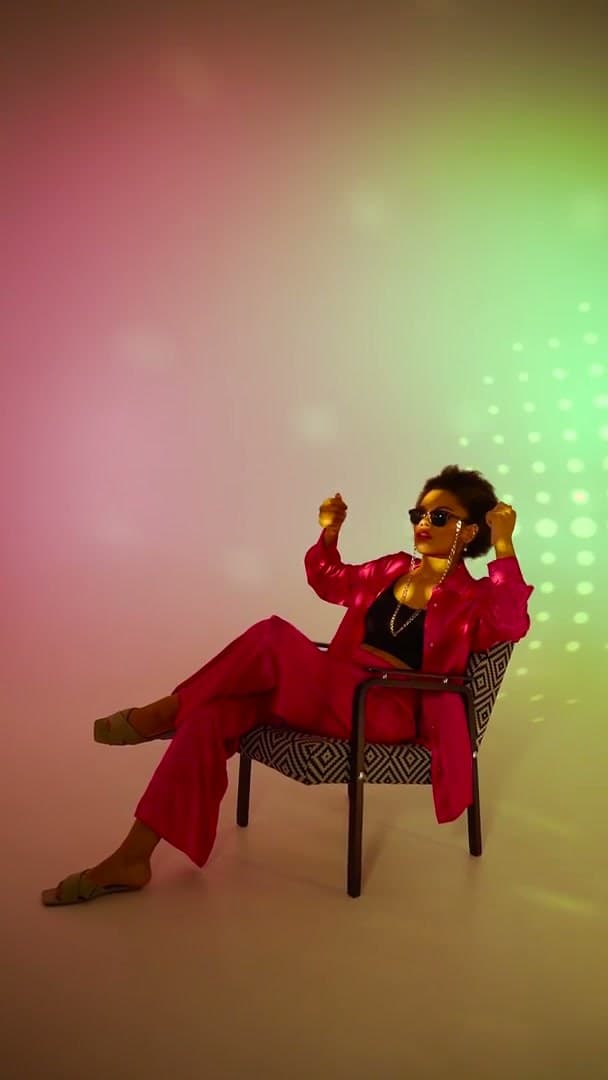
Getting started · Step 04
Getting started · Step 05
Getting started
You send your product photos and a brief, and Olli Studio delivers Flipkart-ready images.
Get your free shootFAQs
Everything you need to know about shipping Flipkart listings with Olli.
Our team produces every image to Flipkart's rules: the background, aspect ratio, resolution, and on-model, ghost mannequin, or flat lay shots Flipkart asks for. We check each image before delivery.
Yes. Send product images for the whole drop. Our team shoots every SKU with AI, checks each image, and delivers listing-ready files within 48 hours — no per-style studio booking.
A flat lay, ghost mannequin, hanger shot, or existing product photo is enough. Our team keeps every garment true to your product in the marketplace-ready images.
Our team delivers upload-ready images within 48 hours of receiving your product images, with one revision round included — compared to weeks of traditional studio scheduling.
Explore more
AI Photography for Ajio
Lifestyle imagery, editorial-quality on-model shots, and brand-forward visuals at the quality Ajio's premium fashion marketplace demands.
ExploreAI Photography for Nykaa Fashion
Trend-connected visuals and cross-category consistency built for the aesthetic Nykaa Fashion shoppers expect — from apparel to accessories.
ExploreAI Photography for Tata CLiQ
Premium brand storytelling, editorial lifestyle imagery, and luxury presentation standards at the quality Tata CLiQ's discerning shoppers expect.
ExploreAI Photography for Etsy
Lifestyle imagery, handmade product storytelling, and unique visual identities built for the creative, independent sellers who define Etsy.
ExploreFree tool
Flipkart publishes its exact image size only inside the seller panel; set the size your panel shows and the tool resizes, pads and compresses in your browser.
Enter the width and height your Flipkart seller panel shows.
Seller Hub → Listings → Add New Listings → pick the category → image upload step → image guidelines
Checked
One garment photo in. Compliant marketplace assets out. No studio calendar required.
Get your free shoot