Luxury fashion houses
Meeting Bloomingdale's editorial bar with high-resolution lifestyle and PDP sets.
Bloomingdale's Fashion Photography
Part of Olli Studio
High-resolution editorial imagery, multi-angle product views, and lifestyle shots produced from a single garment photo, delivered within 48 hours.
Answer first
AI fashion photography for Bloomingdale's is a done-for-you service: you send product images and Olli Studio's team produces listing images with AI that match Bloomingdale's visual standards and listing best practices, checks each one and delivers within 48 hours. Our team produces compliant main images, lifestyle alternates, and catalog-ready crops — so your Bloomingdale's listings go live faster without studio bottlenecks.
Built for
Meeting Bloomingdale's editorial bar with high-resolution lifestyle and PDP sets.
Listing on Bloomingdale's Marketplace with luxury presentation at catalog speed.
Adapting wholesale imagery to Bloomingdale's multi-angle listing requirements.
Delivering Bloomingdale's-ready campaigns without per-SKU studio bookings.
Why Olli
High-resolution outputs suitable for luxury PDP zoom and marketing use.
Complete angle sets from one garment upload — no reshoot for alternates.
Campaign-quality scenes that match Bloomingdale's premium positioning.
New products go from sample to live Bloomingdale's listing within 48 hours instead of weeks. Every day without images is lost discovery — Olli closes that gap.
Side by side
What Bloomingdale's sellers actually spend on fashion photography — and how Olli compares.
Traditional
2–4 weeks studio scheduling
Olli AI
Within 48 hours
Traditional
$5,000–$20,000+ in studio fees
Olli AI
A fraction of studio spend
Traditional
Manual retouching per image
Olli AI
Checked by our team before delivery
Traditional
Separate shoot days & talent booking
Olli AI
From the same product images
Traditional
Reshoot or re-style each SKU
Olli AI
Consistent across variants
Traditional
Bottlenecked by studio calendar
Olli AI
Ship on your launch date
Traditional
Studio shoot
Olli AI
One workflow
Turnaround per collection
2–4 weeks studio scheduling
Within 48 hours
Cost at 100 SKUs / month
$5,000–$20,000+ in studio fees
A fraction of studio spend
Bloomingdale's listing compliance
Manual retouching per image
Checked by our team before delivery
On-model & lifestyle shots
Separate shoot days & talent booking
From the same product images
Color & variant consistency
Reshoot or re-style each SKU
Consistent across variants
Seasonal drop readiness
Bottlenecked by studio calendar
Ship on your launch date
How it works
See how it works — real product photos, real listing outputs. Scroll through each step.
01
Send a flat lay, ghost mannequin, or hanger shot. Our team reads silhouette, fabric, and construction before the shoot.
02
Tell us what you need — pure-white catalog plates, on-model shots, or lifestyle scenes — and our team directs the shoot to Bloomingdale's rules.
03
Our team checks every image against your product before you see it. One revision round is included, so changes don't restart the shoot.
04
You receive channel-ready dimensions — main images, alternates, and detail shots in one package — ready for your seller portal.
01
You're almost there.
02
You're almost there.
03
You're almost there.
04
You're almost there.
05
You're almost there.
Getting started
You send your product photos and a brief, and Olli Studio delivers Bloomingdale's-ready images.
Get your free shootHow it works · Step 01
Send a flat lay, ghost mannequin, or hanger shot. Our team reads silhouette, fabric, and construction before the shoot.
How it works · Step 02
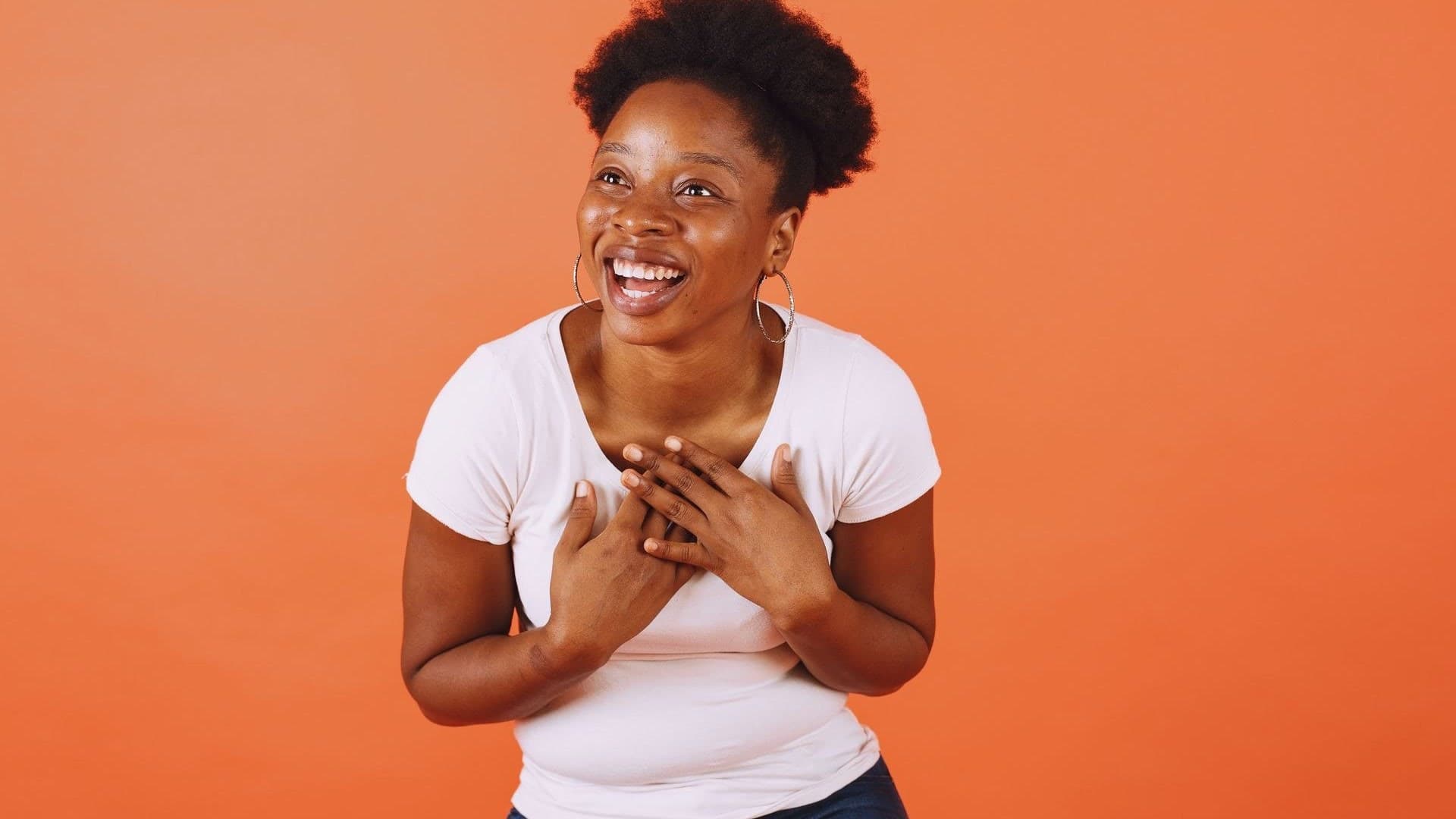
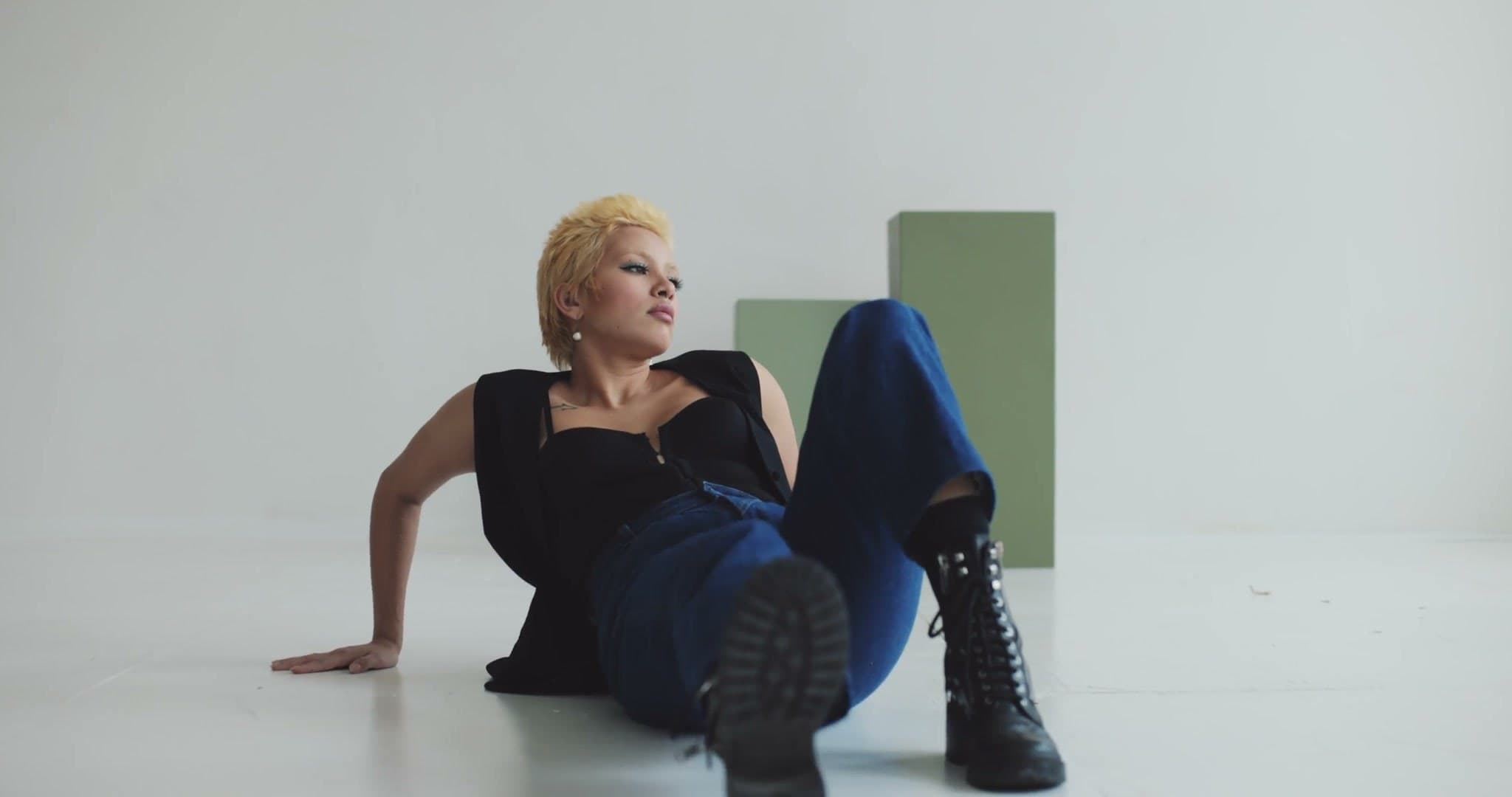
Tell us what you need — pure-white catalog plates, on-model shots, or lifestyle scenes — and our team directs the shoot to Bloomingdale's rules.
How it works · Step 03
Our team checks every image against your product before you see it. One revision round is included, so changes don't restart the shoot.
How it works · Step 04
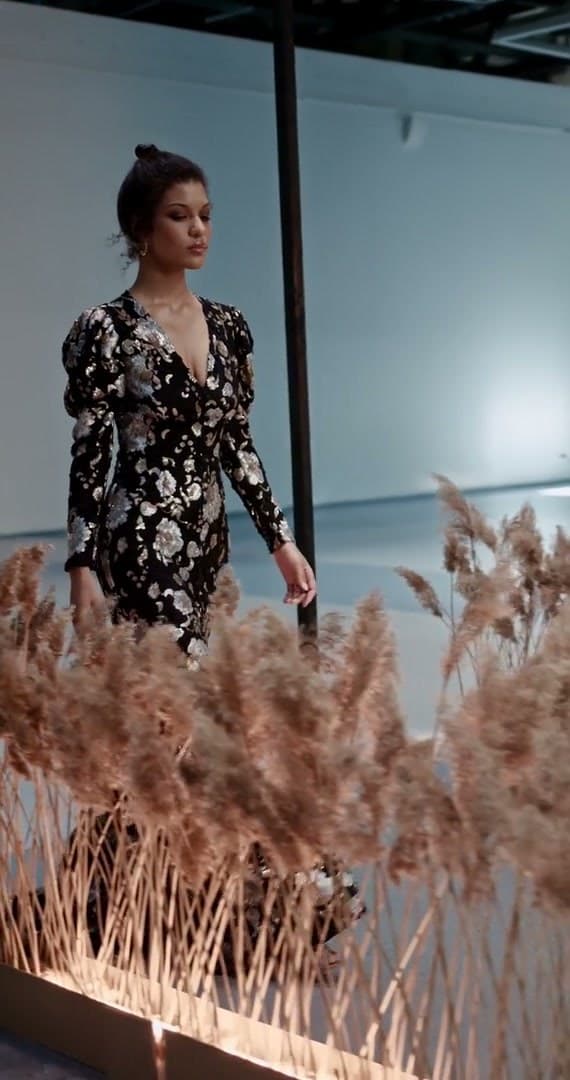
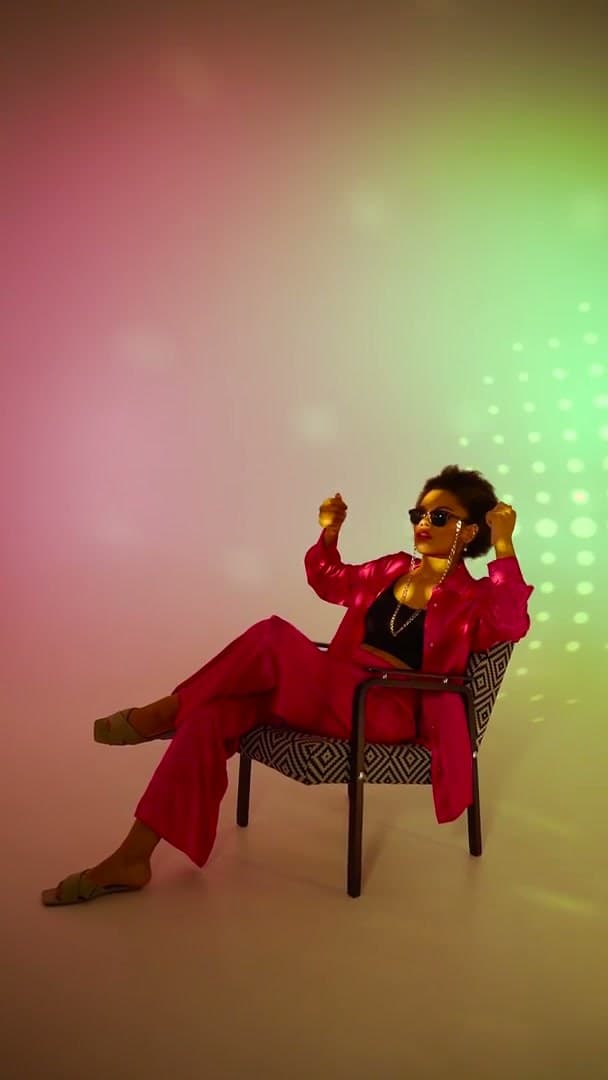
You receive channel-ready dimensions — main images, alternates, and detail shots in one package — ready for your seller portal.
Getting started · Step 01
Getting started · Step 02
Getting started · Step 03
Getting started · Step 04
Getting started · Step 05
Getting started
You send your product photos and a brief, and Olli Studio delivers Bloomingdale's-ready images.
Get your free shootFAQs
Everything you need to know about shipping Bloomingdale's listings with Olli.
Our team produces every image to Bloomingdale's rules: the background, aspect ratio, resolution, and on-model, ghost mannequin, or flat lay shots Bloomingdale's asks for. We check each image before delivery.
Yes. Send product images for the whole drop. Our team shoots every SKU with AI, checks each image, and delivers listing-ready files within 48 hours — no per-style studio booking.
A flat lay, ghost mannequin, hanger shot, or existing product photo is enough. Our team keeps every garment true to your product in the marketplace-ready images.
Our team delivers upload-ready images within 48 hours of receiving your product images, with one revision round included — compared to weeks of traditional studio scheduling.
Explore more
AI Photography for Amazon
Compliant main images, lifestyle alternates and A+ content from a single garment photo — white backgrounds, true colour and listing clarity, delivered by our team at scale.
ExploreAI Photography for noon
noon accepts JPEG product images at least 660 px wide with a width-to-height ratio of 0.5 or more, up to 10 MB, on a light grey background for fashion (pure white for every other category), with light shadows only and no text, logos or packaging. One image gets a SKU live; noon recommends three. Verified against noon's Seller Help Center on 16 Oct 2026.
ExploreAI Photography for Myntra
On-model, ghost mannequin, and flat lay imagery tuned for Myntra's fashion catalog — consistent styling across every SKU in the drop.
ExploreAI Photography for Flipkart
White-background main shots, multi-angle views, and Flipkart Fashion imagery — produced from a single upload for every SKU in your catalog.
ExploreOne garment photo in. Compliant marketplace assets out. No studio calendar required.
Get your free shoot