UAE and GCC fashion brands
Listing on noon with on-model, flat lay and detail views that pass noon's image checks.
noon Fashion Photography
Part of Olli Studio
noon accepts JPEG product images at least 660 px wide with a width-to-height ratio of 0.5 or more, up to 10 MB, on a light grey background for fashion (pure white for every other category), with light shadows only and no text, logos or packaging. One image gets a SKU live; noon recommends three. Verified against noon's Seller Help Center on 16 Oct 2026.
Specifications
Last checked against noon's Seller Help Center (opens in a new tab) on
| Rule | noon says | Source |
|---|---|---|
| File format | JPEG or JPG only PNG, WebP and AVIF are accepted only for A+ content banners, not gallery images. | noon help center (opens in a new tab) |
| Minimum width | 660 px or wider noon states no minimum height and no maximum dimension. | noon help center (opens in a new tab) |
| Aspect ratio | Width ÷ height of 0.5 or more A floor, not a fixed ratio: a 3:4 or 4:5 portrait passes; anything taller than 1:2 fails. | noon help center (opens in a new tab) |
| Resolution | 72 PPI or higher | noon help center (opens in a new tab) |
| File size | 10 MB maximum per image | noon help center (opens in a new tab) |
| Colour format | RGB or sRGB | noon help center (opens in a new tab) |
| Primary image background, fashion | Light grey recommended A recommendation, not a hard rule; noon publishes no colour value for the grey. | noon help center (opens in a new tab) |
| Primary image background, all other categories | Pure white | noon help center (opens in a new tab) |
| Shadows and reflections | Light shadows only; no hard shadows or hard reflections on the primary image | noon help center (opens in a new tab) |
| Primary image content | A full front view of the product, out of its packaging: no boxes, bags, cases or swing tags, no lifestyle scene, one view per image; bundles shown in full | noon help center (opens in a new tab) |
| Image order | Front, back, side, other angles, details, usage Lifestyle and usage shots are allowed only after the product views. | noon help center (opens in a new tab) |
| Number of images | 1 required for the SKU to go live; 3 recommended; the single-SKU upload form accepts up to 9 The 1-image minimum is in noon's content-quality article and the 9-image cap in its single-SKU walkthrough, both linked below. | noon help center (opens in a new tab) |
| Models or flat lay | Adult apparel: shots on models recommended, except swimwear and underwear. Kids apparel: flat lay or hanger shots recommended Recommendations, not hard rules. noon's image rules do not mention mannequins. | noon help center (opens in a new tab) |
| Text, logos and watermarks | None: no logos, watermarks, text, borders, price, warranty or date information | noon help center (opens in a new tab) |
| Photographs only | No CAD drawings, thumbnails, illustrations or placeholder images | noon help center (opens in a new tab) |
| Framing | The product covers 70–80% of the frame; vertical shots keep a 10% margin top and bottom, horizontal shots a 5% margin on each side noon's margin note is worded ambiguously; centre the product with even breathing room. | noon help center (opens in a new tab) |
| Accessories | Accessories not included with the item must not appear | noon help center (opens in a new tab) |
Rejection reasons
Image - Need product image without packaging
The primary image shows the product inside its box, bag or case, or with a brand or price tag. Send a clear shot of the unpacked product with every tag removed.
Image - Cropped/half image
Part of the product is cut off in the primary image. The primary image must show the whole product; put close-ups in the additional images.
Image - Low resolution
The image is blurry, pixelated, stretched or distorted. Send an in-focus, well-lit, high-resolution photograph that shows detail and texture.
Image - Duplicate Images
The same image was uploaded more than once against one product. Upload each view once.
Image - Conflicting images
An image shows something other than the product for sale. Every image must show only the product in the listing.
Image - Needs Editing
The image has an unclear background, a frame or border, a price, an expiry or manufacturing date, a watermark, a seller name or logo, a trust symbol, or a hard shadow or reflection. Use a white background for the first image (light grey for fashion), remove the overlay, and keep only light shadows.
Image - Broken Images
The file did not load: the name is wrong, the URL is invalid or expired, or the file is too large to upload. Check the technical requirements above and re-upload.
Image - Need other view
The product is not recognisable from the view uploaded. Send another angle that makes the product clear.
Image - Incorrect sequencing
The images are out of order. The primary image is the front view; then back, side, other angles, details and usage. Use the nearest matching angle when an exact one is not available.
AI-generated images
noon's published image rules require photographs and do not mention AI-generated images. The help center says “Only photographs are permitted, CAD drawings, thumbnails, or illustrations are not allowed” and that images must accurately represent the product. We checked all 40 product-listing articles in noon's Seller Help Center on 16 Oct 2026 and found no statement that allows or bans AI-generated model images.
What that means in practice: a listing image has to look like, and be true to, the real product. Olli Studio images are photoreal shots of your actual garment on AI models, built from your own product photo so the cut, colour and detail stay true to the item for sale. If you want certainty for your account, ask your noon account manager in writing; we are happy to share sample images for that check.
Checklist
Done for you
You send your product photos; Olli Studio's team plans the shoot, produces the images with AI, checks each one against the rules above and delivers them within 48 hours, with one revision round included. Every set follows noon's order (front, back, side, details) on a light grey or pure white background with light shadows only, no text, logos or packaging, exported as JPEG at noon's width and ratio.
Adult apparel is shot on models with casting and styling for Gulf shoppers, kids wear as flat lay or on a hanger, matching noon's recommendations per category. Every image is checked by our team before you see it.
Answer first
AI fashion photography for noon is a done-for-you service: you send product images and Olli Studio's team produces listing images with AI that match noon's visual standards and listing best practices, checks each one and delivers within 48 hours. Our team produces light grey fashion primaries (pure white for other categories), on-model or flat lay sets in noon's front, back, side and detail order, and JPEG exports at noon's width and ratio — so your noon listings pass image review without a retouching pass per SKU.
Built for
Listing on noon with on-model, flat lay and detail views that pass noon's image checks.
Already shooting for your own store and need noon-compliant versions of the catalogue fast.
Selling on noon alongside Amazon.ae or Namshi and need one consistent image set per SKU.
Managing noon listings for several brands without a studio day per drop.
Why Olli
Fashion primaries on noon's recommended light grey, every other category pure white, light shadows only.
JPEG exports at 660 px or wider within noon's width-to-height floor, under 10 MB, no text, logos or borders.
Adult apparel on models, kids wear flat lay or on a hanger, in noon's front/back/side/details order.
New products go from sample to live noon listing within 48 hours instead of weeks. Every day without images is lost discovery — Olli closes that gap.
Side by side
What noon sellers actually spend on fashion photography — and how Olli compares.
Traditional
2–4 weeks studio scheduling
Olli AI
Within 48 hours
Traditional
$5,000–$20,000+ in studio fees
Olli AI
A fraction of studio spend
Traditional
Manual retouching per image
Olli AI
Checked by our team before delivery
Traditional
Separate shoot days & talent booking
Olli AI
From the same product images
Traditional
Reshoot or re-style each SKU
Olli AI
Consistent across variants
Traditional
Bottlenecked by studio calendar
Olli AI
Ship on your launch date
Traditional
Studio shoot
Olli AI
One workflow
Turnaround per collection
2–4 weeks studio scheduling
Within 48 hours
Cost at 100 SKUs / month
$5,000–$20,000+ in studio fees
A fraction of studio spend
noon listing compliance
Manual retouching per image
Checked by our team before delivery
On-model & lifestyle shots
Separate shoot days & talent booking
From the same product images
Color & variant consistency
Reshoot or re-style each SKU
Consistent across variants
Seasonal drop readiness
Bottlenecked by studio calendar
Ship on your launch date
How it works
See how it works — real product photos, real listing outputs. Scroll through each step.
01
Send a flat lay, ghost mannequin, or hanger shot. Our team reads silhouette, fabric, and construction before the shoot.
02
Tell us what you need — pure-white catalog plates, on-model shots, or lifestyle scenes — and our team directs the shoot to noon's rules.
03
Our team checks every image against your product before you see it. One revision round is included, so changes don't restart the shoot.
04
You receive channel-ready dimensions — main images, alternates, and detail shots in one package — ready for your seller portal.
01
You're almost there.
02
You're almost there.
03
You're almost there.
04
You're almost there.
05
You're almost there.
Getting started
You send your product photos and a brief, and Olli Studio delivers noon-ready images.
Get your free shootHow it works · Step 01
Send a flat lay, ghost mannequin, or hanger shot. Our team reads silhouette, fabric, and construction before the shoot.
How it works · Step 02
Tell us what you need — pure-white catalog plates, on-model shots, or lifestyle scenes — and our team directs the shoot to noon's rules.
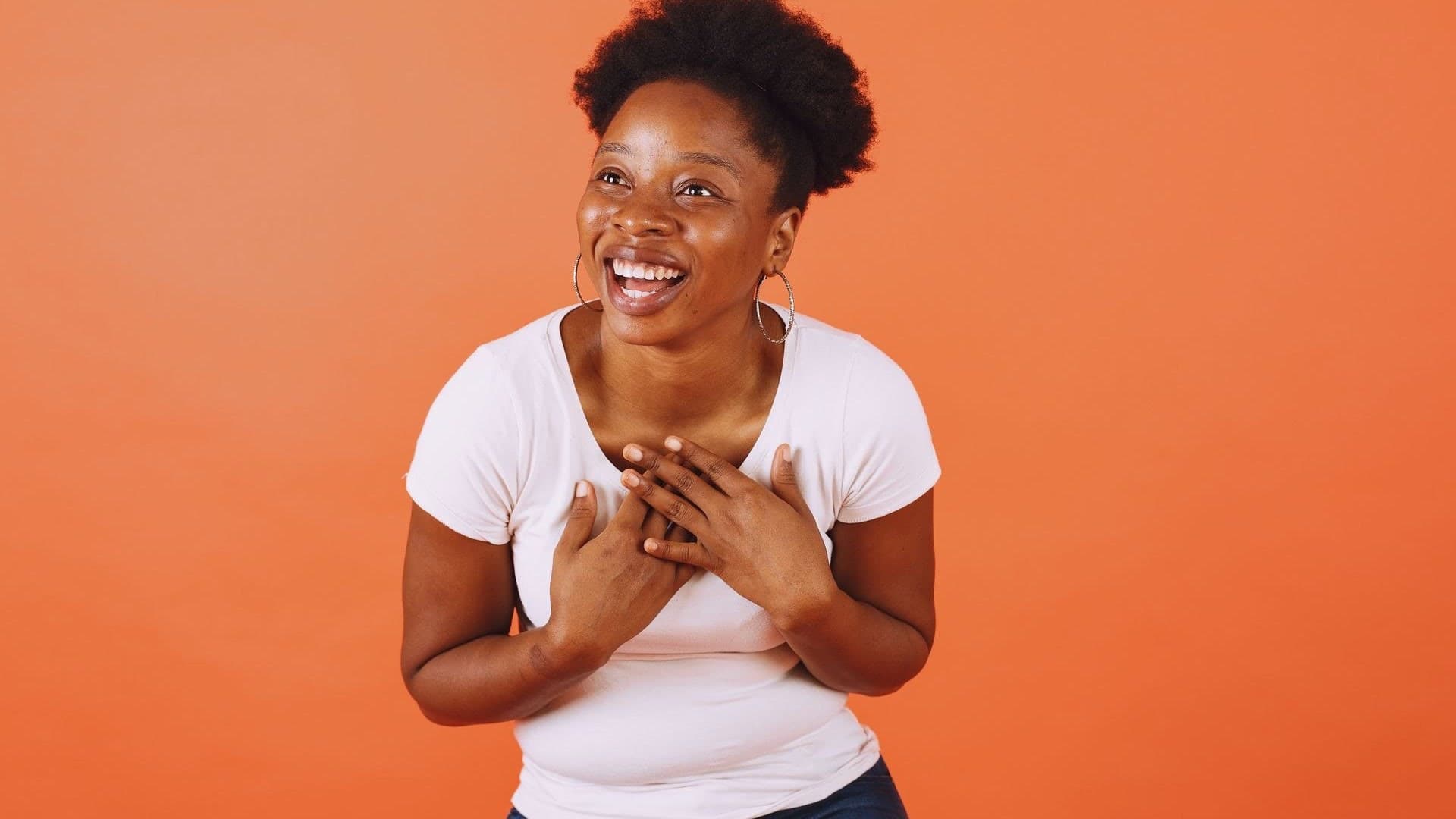
How it works · Step 03
Our team checks every image against your product before you see it. One revision round is included, so changes don't restart the shoot.
How it works · Step 04
You receive channel-ready dimensions — main images, alternates, and detail shots in one package — ready for your seller portal.
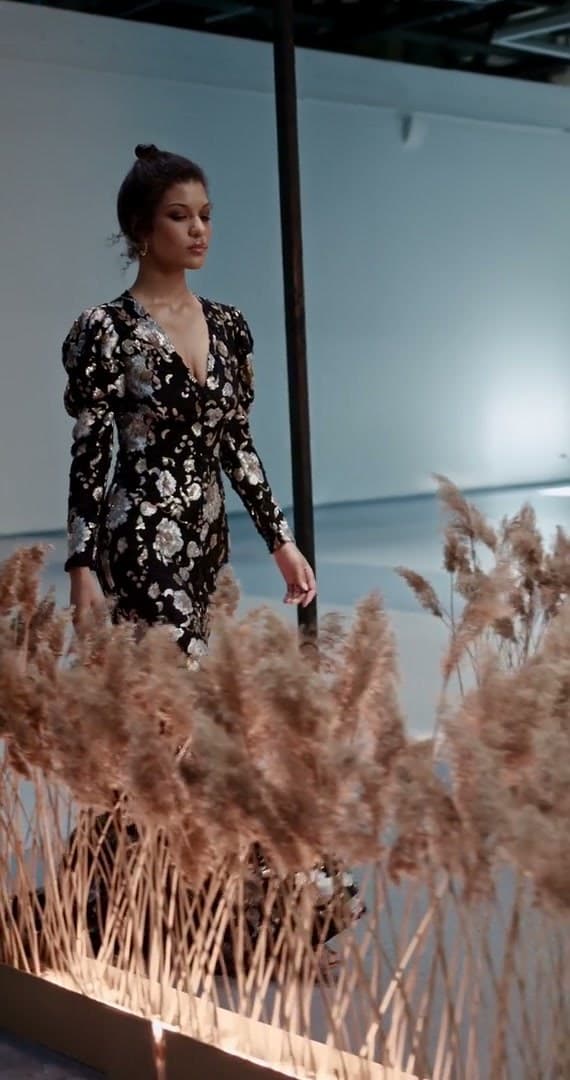
Getting started · Step 01
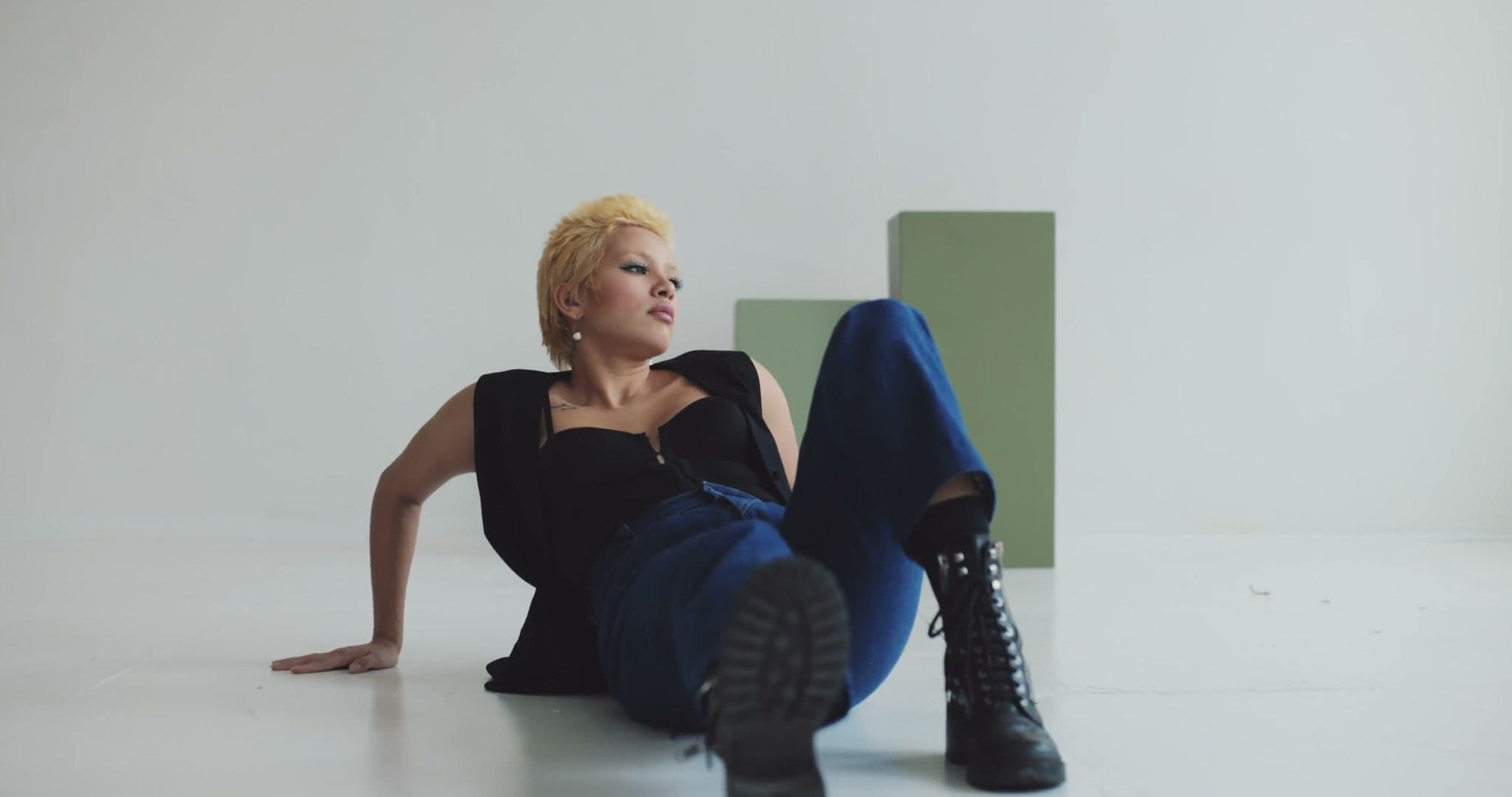
Getting started · Step 02
Getting started · Step 03
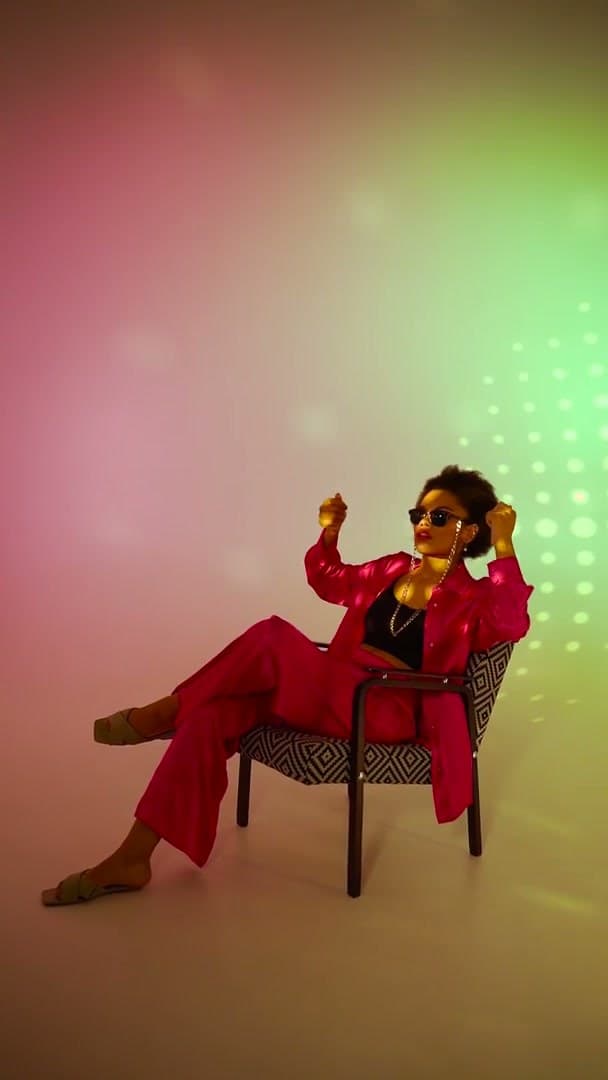
Getting started · Step 04
Getting started · Step 05
Getting started
You send your product photos and a brief, and Olli Studio delivers noon-ready images.
Get your free shootFAQs
Straight answers from noon's published rules.
noon publishes a minimum width of 660 px and a minimum width-to-height ratio of 0.5, not a fixed size, plus a 10 MB file-size cap and 72 PPI or higher. Any JPEG at least 660 px wide and no taller than twice its width passes; a 3:4 or 4:5 portrait is the usual choice for fashion. A fixed 660 × 900 px size quoted on some third-party pages is not on noon's help center.
No. For fashion, noon recommends a light grey background on the primary image; pure white is the rule for every other category. noon publishes no colour value for the grey. Light shadows are accepted; hard shadows and reflections are not.
noon's published image rules require photographs and do not mention AI-generated images; they say only photographs are permitted and that images must accurately represent the product. There is no noon statement allowing or banning AI-generated model images as of 16 Oct 2026. Olli Studio images are photoreal shots of your actual garment on AI models; for certainty on your account, ask your noon account manager in writing.
One good-quality image is enough for a SKU to go live, noon recommends at least three (different angles, sizes, textures and fabrics), and the single-SKU upload form accepts up to nine. Order them front, back, side, other angles, details, then usage.
Explore more
AI Photography for Amazon
Compliant main images, lifestyle alternates and A+ content from a single garment photo — white backgrounds, true colour and listing clarity, delivered by our team at scale.
ExploreAI Photography for Myntra
On-model, ghost mannequin, and flat lay imagery tuned for Myntra's fashion catalog — consistent styling across every SKU in the drop.
ExploreAI Photography for Flipkart
White-background main shots, multi-angle views, and Flipkart Fashion imagery — produced from a single upload for every SKU in your catalog.
ExploreAI Photography for Ajio
Lifestyle imagery, editorial-quality on-model shots, and brand-forward visuals at the quality Ajio's premium fashion marketplace demands.
ExploreOne garment photo in. Compliant marketplace assets out. No studio calendar required.
Get your free shoot